A playful chase, told through comics and keyboard interaction.
Course project · DXB211p5.js · Game interaction · Visual storytelling
A comic-inspired introduction leads into a 40-second arcade game.
THE EXPERIENCE
A little story. A quick reaction.
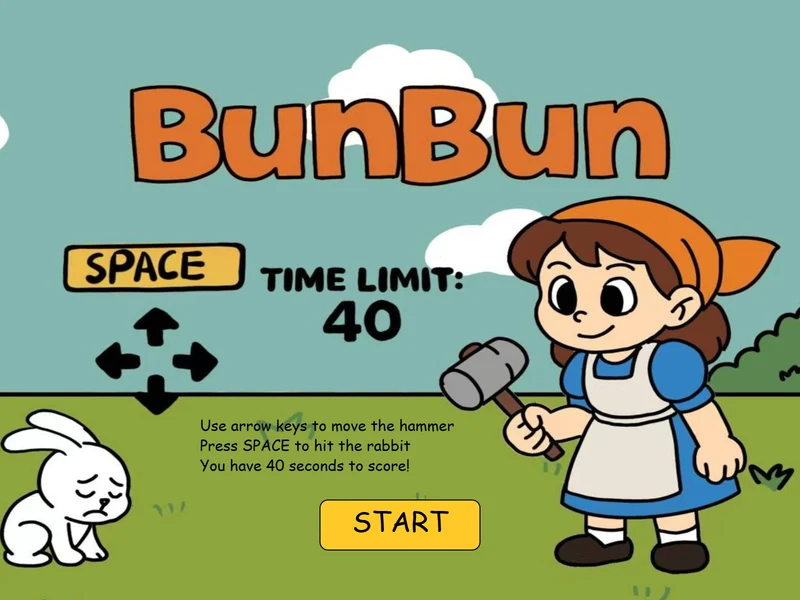
BunBun is a p5.js whac-a-rabbit game built around a mischievous bread thief. Players move a hammer selector across a 3 × 3 grid with the arrow keys and press the space bar to hit a rabbit. Each successful hit earns one point, with 40 seconds to build a score.
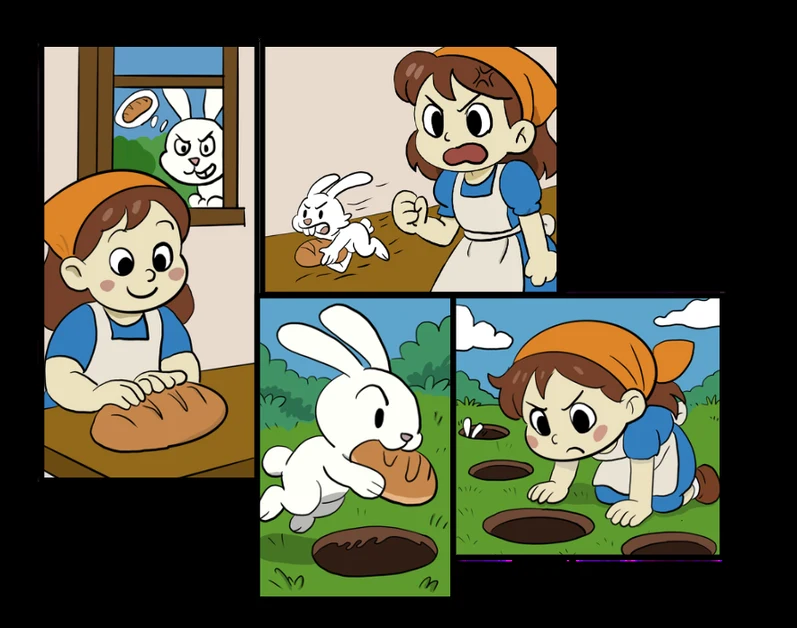
Four comic panels establish the story before an instruction screen explains the controls and invites the player to start.
Narrative onboarding: establish the character, the theft and the chase before introducing the controls.
DESIGN DECISION 01
Make the next move clear.
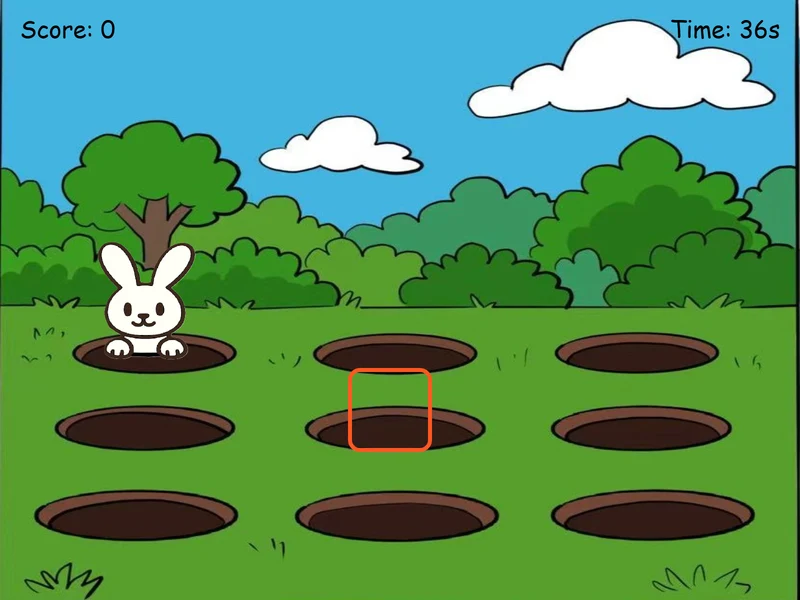
A red selection box shows where the hammer will strike. The nine-hole grid keeps movement discrete, while a brief dizzy reaction reinforces a successful hit. Warm character colours contrast with the cooler setting to draw attention to the action.
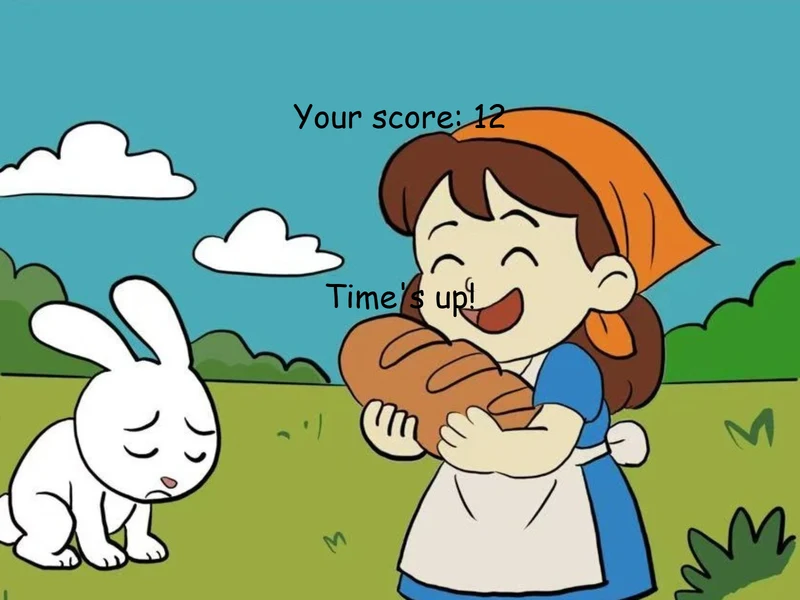
Gameplay: a visible selector, score and countdown.The ending reconnects the score with the bread-theft story.
ITERATION
Small changes. Clearer play.
Early storyboard images were incorrectly scaled, and the game lacked guidance. I corrected the proportions and added a dedicated title and instruction screen. I also replaced the plain grey ending with an illustrated scene, then introduced hit sounds and background music.
During development testing, I adjusted rabbit spawn frequency and positions. The original A-key hit action felt awkward, so I moved it to the space bar to work more naturally alongside the arrow keys.
IMPLEMENTATION & CREDITS
From drawings to game states.
I used a Rabbit class with spawn time, lifetime and state properties, plus update and draw methods, to manage multiple rabbits. The project combines narrative screens, keyboard input, timed gameplay and score feedback.
The documentation credits OpenAI image tools for rabbit appearances and dizzy-effect visuals. The visual direction also draws on picture-book illustration and arcade games.
This case study presents screenshots and the documented design process; a playable build is not included here.